












Refract for WordPress Free plugin
Every blog post, on every network.
When you publish, Refract writes a version for each network you picked, in your voice. You approve each one, and Refract posts it.
It also works the other way: Refract can publish to WordPress.
How it works
From publish to posted.
You write on your blog as usual. The plugin sends the post to Refract, and you approve what goes out.
Step 1
Pick your networks
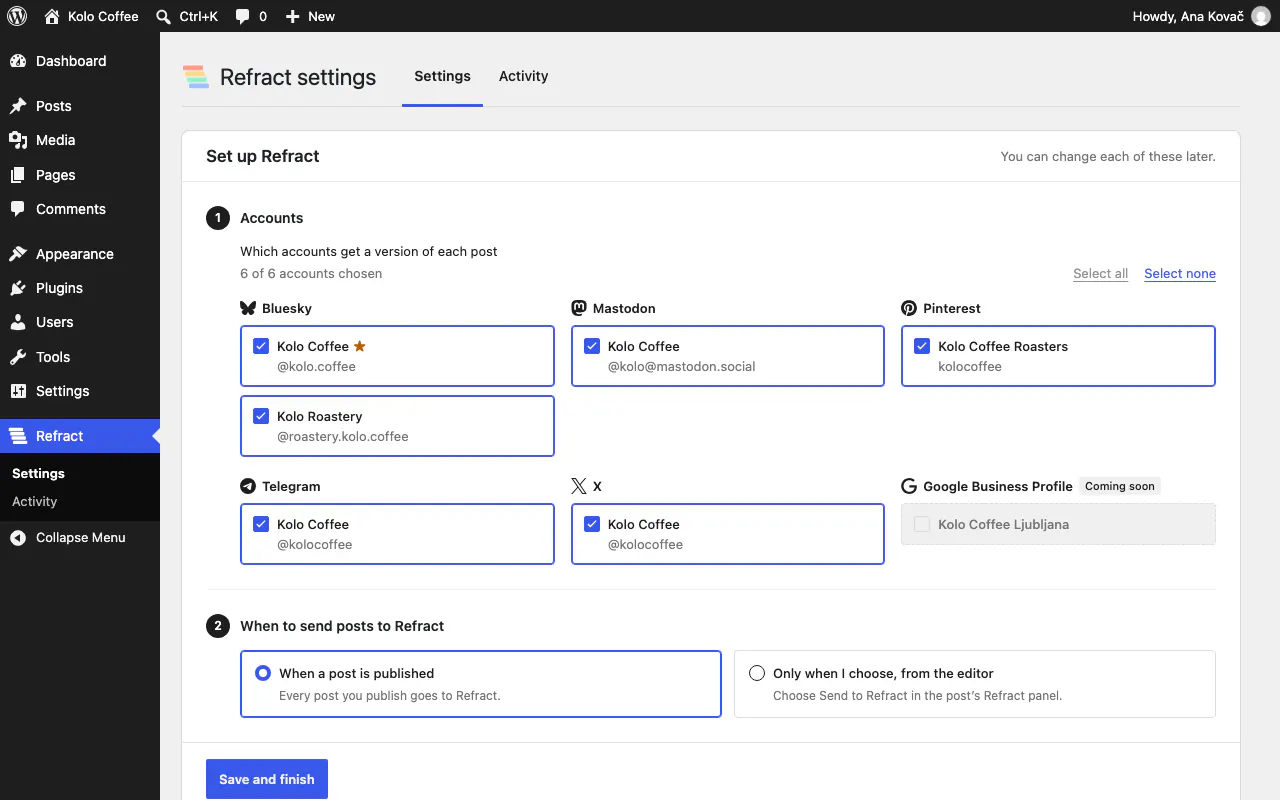
In WordPress, open Refract › Settings and connect to Refract. Choose the accounts that get a version of each post, and when posts go to Refract: when they’re published, or only when you choose, from the editor. You can also limit it to some post types and categories.
Step 2
Publish your post
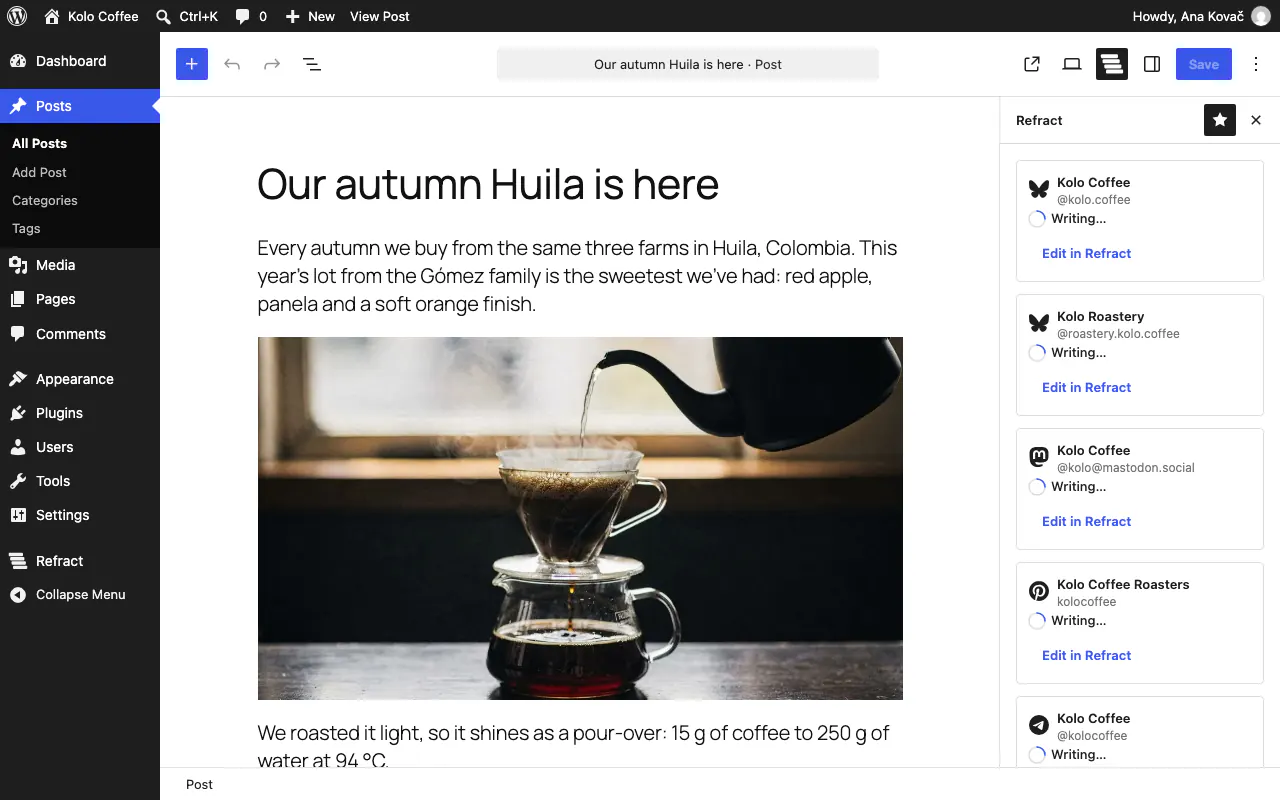
Publish as usual. A few seconds later the plugin sends the post to Refract in the background, with its title, text, link and images. Refract writes a version for each account in your workspace’s voice, and crops the post’s images for each network.
Step 3
Approve each version
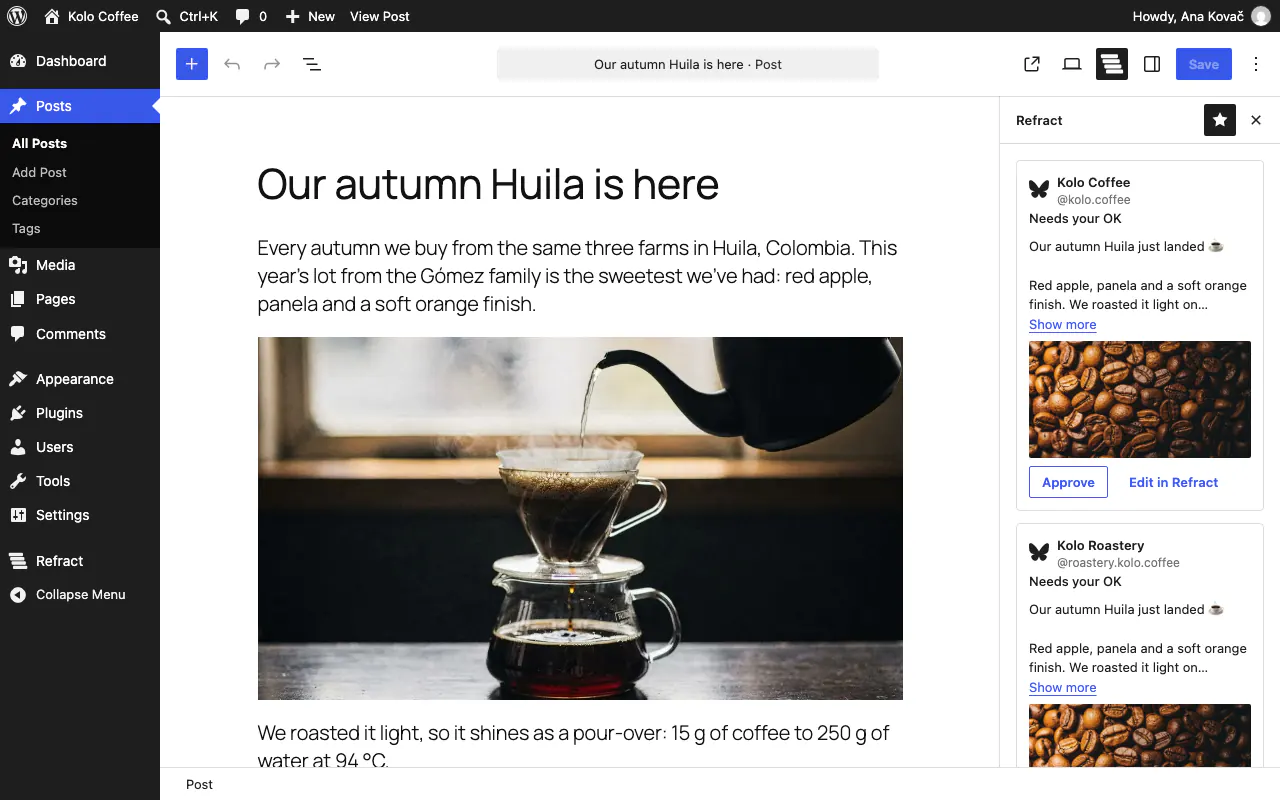
The versions appear in the post editor’s Refract panel, and in Refract. Read each one with its image in the network’s shape, then select Approve, or Approve all and add to queue. Edit in Refract opens a version to change it. Nothing goes out until you approve it.
Step 4
See the link and the clicks
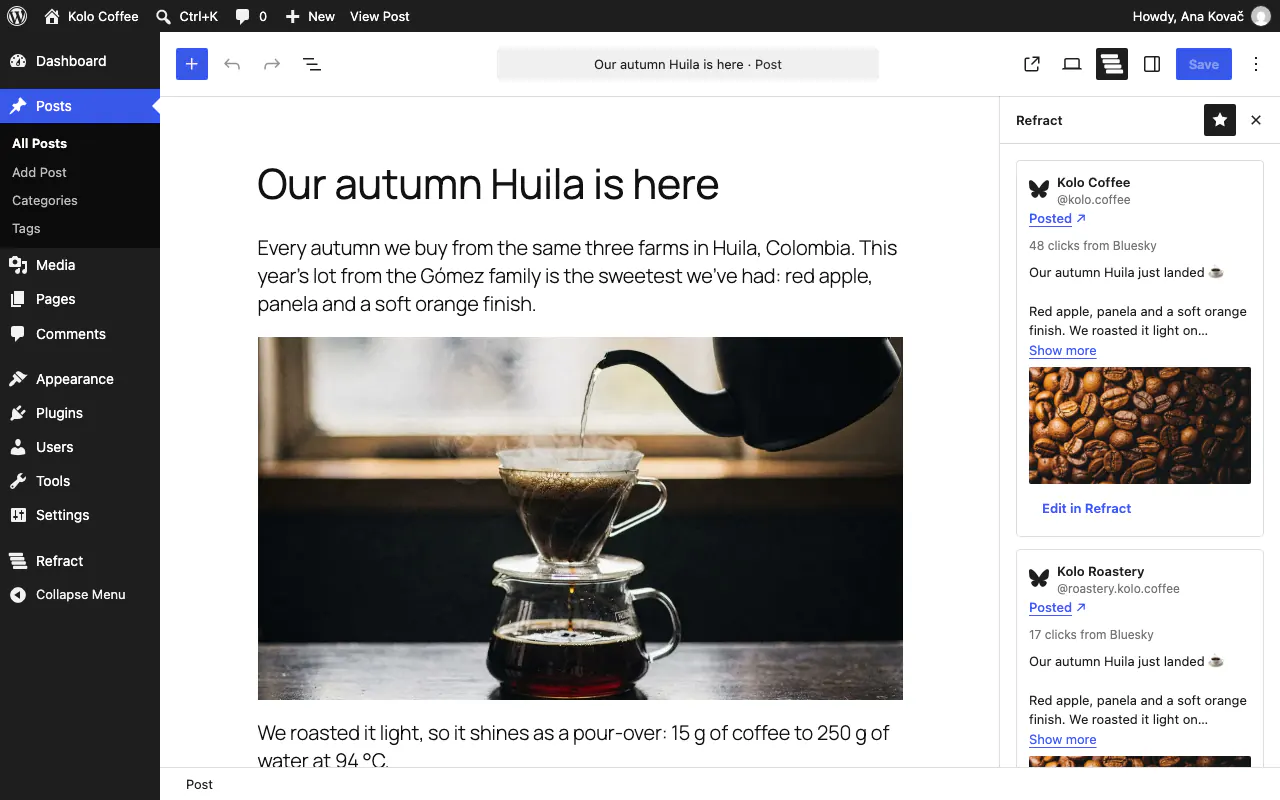
Refract posts each version at its time in your queue. Then the editor shows the link to it and the clicks so far, for example “12 clicks from Bluesky”. Each version links back to your post, so readers come to your blog.


Networks
Where your posts can go.
Today you can connect 12 networks. Each version is written for its network: its length, its links and hashtags, the shape of its images.
Coming soon: Instagram, Facebook, Threads, LinkedIn, Google Business Profile and Lemmy. You can’t connect them yet.
Install
Install it from WordPress.
From wp-admin
In WordPress, go to Plugins › Add New Plugin and search for “Refract”. Select Install Now, then Activate.
Or from WordPress.org
Download it from wordpress.org/plugins/refract, then upload it in Plugins › Add New Plugin › Upload Plugin.
Then connect
Open Refract › Settings and select Connect to Refract. Sign in to Refract, or start a free trial, and allow the connection.
What you need
- WordPress 6.8 or later and PHP 8.1 or later.
- A Refract account. Start with a 14-day free trial, no card needed.
- Multisite works: each site connects separately.
Your data
What it sends to Refract, and why.
Nothing, until you select Connect to Refract. Then only what Refract needs to write, approve and post your versions:
- When you connect: your site’s name and address, its WordPress and plugin versions, its language and time zone, and a signing secret the plugin makes, so Refract can sign what it sends to your site.
- When Refract asks what your site looks like (when you connect, and when someone writes a post for your site in Refract): the same details, your categories and up to 200 tags, the default category and the display name of the person Refract publishes as. Refract keeps the answer for 10 minutes.
- When a post is sent, after you publish it or select Send to Refract: its title, excerpt, text, link and images with their alt text, and the accounts chosen for it. Updates to the post are sent the same way, unless you turn that off.
- When a post you sent stops being public, or is public again: its ID in Refract and its status (published, draft, pending, private, scheduled, password-protected, in the trash or deleted), so Refract can hold its versions.
- When the editor’s Refract panel loads its versions: the post’s ID in Refract. When you approve versions: which ones you approved.
- When the panel shows a version’s image, your browser loads it from Refract’s media host, media.refract.social. When Refract publishes a post on your site, your site downloads its images from there into your media library.
- When you disconnect or delete the plugin: a request to end the connection.
Questions
Asked about the plugin.
Help answers questions like these inside Refract too, with your workspace in view.
Your next blog post, on every network.
Install the free plugin, connect Refract and approve your first versions.