








Studio Video new
Images and video, in the right shape.
Make images and videos for each network, edit the videos you filmed, and keep everything in one library.

Shape
Square and 4:5 versions are cropped from the same file for each network when you post. The original stays as it is.
Images
Describe it. Pick the shape.
Say what’s in it, the light and the framing. Studio makes 1, 2 or 4 images in the shape you picked, and saves every one to your library.
Put words in “quotes” to have them in the image.
Reference images (optional)
kolo-latte.jpgMatches its colours and lightShape
Tier
Standard, High and Premium are on paid plans.
Model
Images
Auto picks the model for each image: best for photos, illustrations, text in the image or edits with reference images.
Video New
Three ways to make a video.
Turn photos into a Reel for free, animate one photo, or start from a description. Every clip is saved to your library.
Photos 4 of 10 · drag to reorder
Text on photo 1
Short is better: it’s on screen for 3 seconds.
Text style
Seconds per photo
Transition
Sound
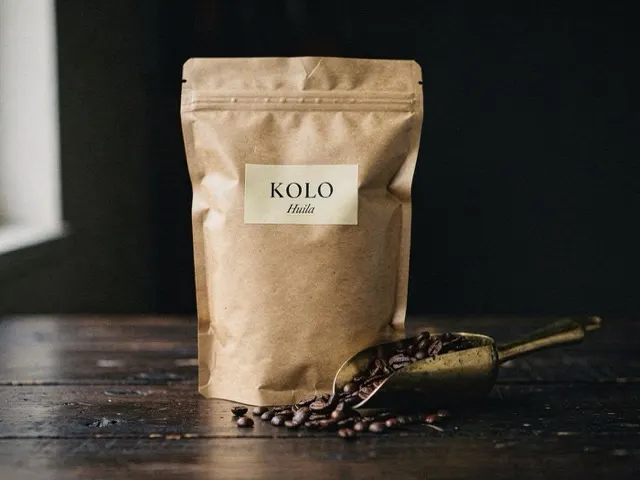
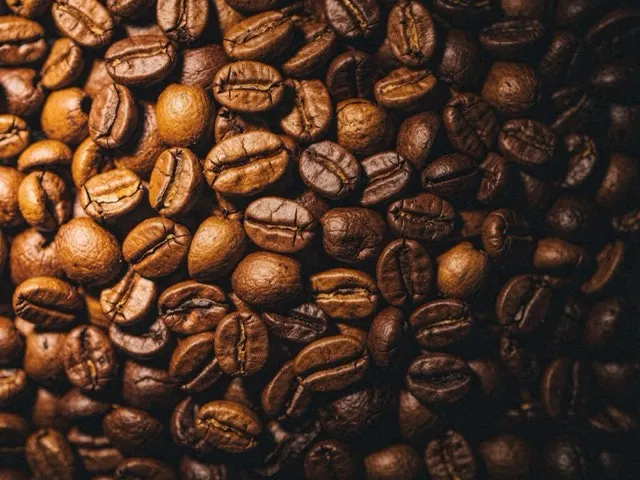

Preview
Plays like a ReelThe preview updates as you change photos, text and timing. Making the video takes about 20 seconds and doesn’t use credits.
- Length
- 12 s · 4 photos × 3 s
- Shape
- 9:16 · 1080 × 1920
- Fits
- Reels, TikTok, Shorts, Stories
- Credits
- None
Edit video
Trim it, crop it, caption it.
Edit the videos you filmed: trim, crop for each network, pick a cover and add captions from the speech. The original file never changes.
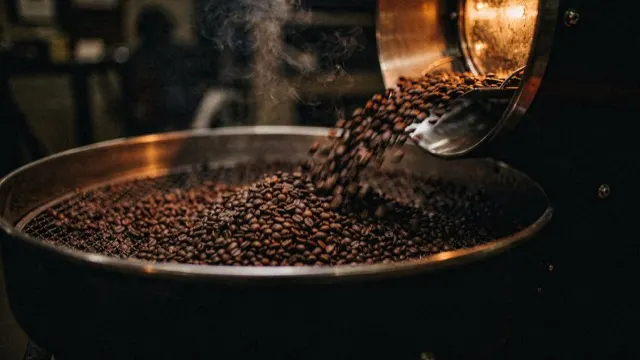
Full frame. Instagram Reel, TikTok, YouTube Short and Facebook Reel use the whole video.
Shown on your Instagram grid and TikTok profile. Drag the cover mark on the timeline to change it.Captions are burned into the video, so they show on every network. 1 credit per started minute of video.
Library
One library. Every file in its real shape.
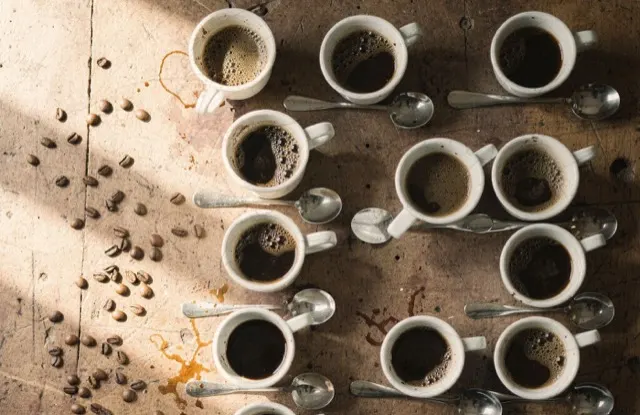
Every upload and render in one place, previewed in its real shape. See where each file is used, pick a few and drop them into a post.
AI labels
Know what’s AI.
Posts with AI-made media are labelled as AI-generated automatically on , and Instagram, Facebook Reels, TikTok, YouTube and X when they open.
Each of them asks for this on realistic AI video. You can see the label in the composer before anything goes out.
AI-generatedSlow push in. Beans tumble, steam rises. InstagramWhen it opens
 Facebook ReelsWhen it opens
 TikTokWhen it opens
 YouTubeWhen it opens
 XWhen it opens
Credits
You see the cost before it runs.
AI images, clips and captions use credits from your organization’s pool. Slideshows, trims, crops and covers don’t.
On the free trial
25 AI credits, once.In Studio they work with Draft image models. AI video starts on a paid plan.Your own AI key
No credits used.Connect fal.ai for images and video, or OpenAI or Google Gemini for images. Your AI provider bills you directly.If it fails
Your credits come back.Credits are held while an image or clip is made. If it fails, or you cancel a clip in time, they are returned.Questions
Asked about Studio.
Help answers questions like these inside Refract too, with your workspace in view.
Start with a slideshow. It’s free.
Pick a few photos, add text and timing, and post a Reel today. AI images work on the trial too.